Personal Digital Security: Protecting what matters Most
Personal Security, in relations to cybersecurity, is the practice of protecting your individual devices, online accounts, and personal data from cyber threats such as hacking, identity theft, malware, and phishing. Personal Security focuses on safeguarding your private life, money and personal information
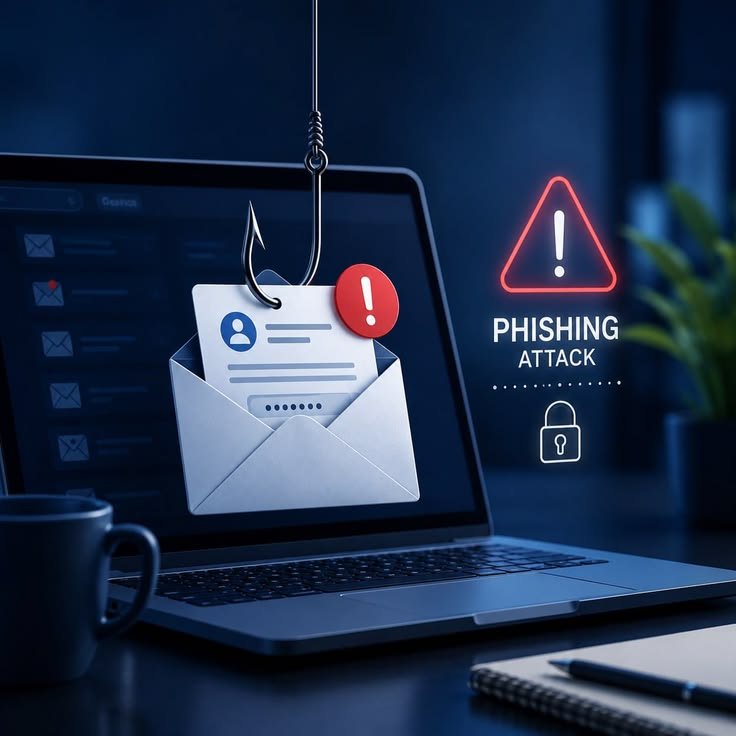
Avoid clicking unverified links or falling for phishing emails and use a Virtual Private Network (NordVPN) when connecting to public Wi-Fi.
Data Backups:
Regularly back up important personal files and photos to an external hard drive or an encrypted cloud service.
Privacy & Social Media Settings:
Limit the amount of personal information, live location data, and daily routines you share publicly online.
Strong Password Guidelines
Length
Make passwords 12 to 20+ characters to make them harder to guess and crack. Longer passwords generally provide stronger protection against unauthorized access.
Complexity
Create a strong combination of uppercase letters, lowercase letters, numbers and special characters to make your passwords more difficult to predict.
Uniqueness
Use a different, unique password for every single account so a breach on one side does not compromise others. A password manager can help in generating and securely storing unique passwords.
No Personal Data
Avoid names, birthdates, pet names, or predictable words like "1234" or "qwerty". Such details may be easy for cybercriminals to discover through social media or other public sources.
Response to Security Incidents
Change affected passwords using a trusted device.
Enable or reset two-factor authentication.
Sign out of unfamiliar active sessions.
Contact your bank immediately if financial information may be exposed.
Scan your device for malicious software.
Report identity theft or fraud to the appropriate authorities.