
Safe Internet Browsing: Browse Smart. Stay Protected. Stay Secure.
Safe internet browsing protects your personal information, passwords, and devices from malware, phishing, and data theft. Practicing safe internet browsing helps protect your digital identity, secure your information and reduce exposure to online threats.
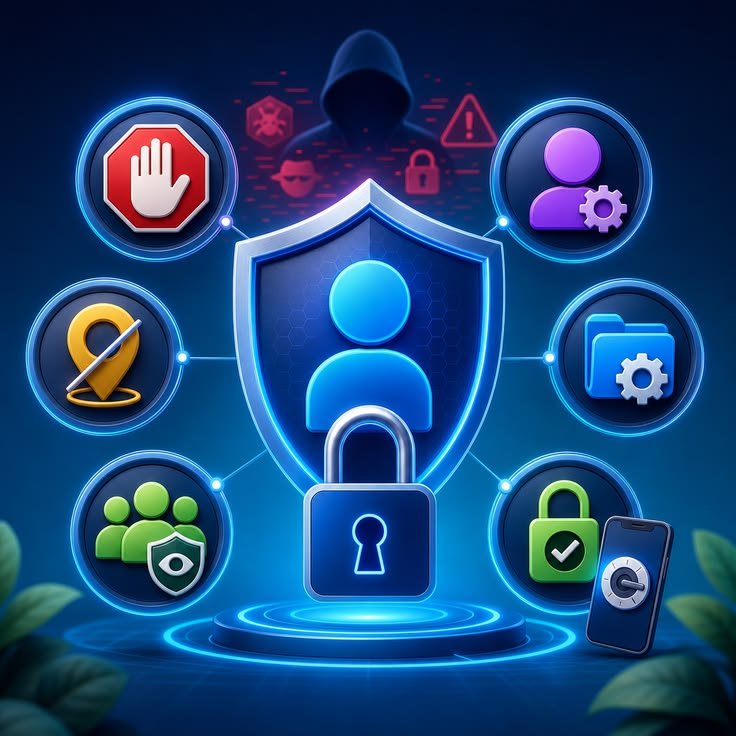
Essential Safe Browsing Rules
Verify HTTPS and SSL: Look for “https://” and the padlock icon inside your browser’s address bar before entering sensitive details like passwords or card numbers
Watch out for fake URLs: Double-check website spellings to avoid domain squatting or phishing links that mimic real sites.
Use strong passwords and 1Password or another manager: Create unique passwords of 12+ characters with mixed symbols, numbers, and letters using a password manager.
Enable Multi-Factor Authentication (MFA): Add an extra layer of verification (such as an authenticator app or security key) to your core online accounts.
Keep software updated: Run the latest version of your operating system, browser, and antivirus tools to patch known security flaws.
Log out of shared devices: Always sign out of your accounts when using public or shared computers. Avoid saving passwords on devices you do not own.
Warning Signs of Unsafe Websites
Visitors should understand how to recognize potentially dangerous websites before interacting with them.
- Suspicious URLs: Website addresses containing misspellings or unusual domain names.
- Unusual Pop-ups: Excessive pop-ups, fake warnings or unexpected redirects.
- Missing HTTPS: Websites that lack HTTPS encryption, particularly when requesting sensitive information.
- Unrealistic Offers: Websites promising unbelievable discounts, prizes or rewards.
- Unverified Contact Details: Websites with missing or suspicious contact information.
- Unusual Information Requests: Websites requesting unnecessary personal or financial details
Recommended Browser Settings & Tools
- Privacy-Focused Browsers: Consider browsers with native tracker blocking like Brave or Mozilla Firefox.
- Ad & Script Blockers: Use extensions like uBlock Origin or uBO Lite to block intrusive scripts and ads.
- Public Wi-Fi Precaution: Use a trusted Virtual Private Network (VPN) whenever you connect to open or public Wi-Fi networks.
- Clear Cache and Cookies: Regularly clear your browsing data and cache to remove old session tokens and tracking cookies
- Safe Browsing Protections: Turn on built-in security features like Google Safe Browsing in Google Chrome to block known dangerous sites and malicious downloads.